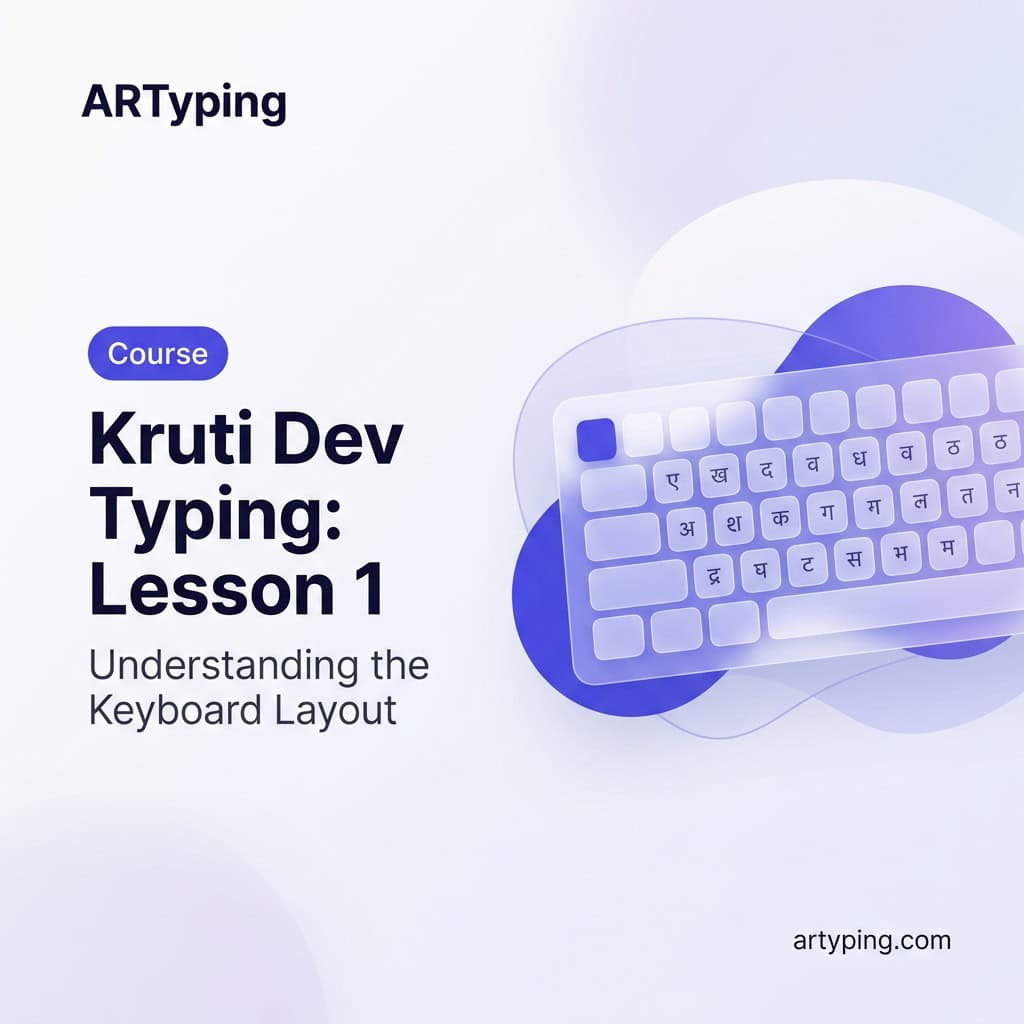
Kruti Dev Typing Course: Lesson 1 — Understanding the Remington Keyboard Layout
KrutiDev Typing Lesson 1 — Understanding the Remington Layout from Scratch
If you have an upcoming government exam that requires KrutiDev typing — whether it's UP Police, UPPSC, UP Lekhpal, or a court stenographer post — you've probably already discovered one uncomfortable truth: this keyboard layout makes no obvious sense. You press D and get क. You press J and get प. Nothing matches what you'd expect, and there's no shortcut to figure it out logically.
That feeling of confusion in the first session is completely normal. Every KrutiDev typist — including the ones clearing government exams with 30+ WPM — started exactly where you are right now. The difference between those who learn it and those who give up is simple: a structured approach. This lesson gives you exactly that. We'll start from the very beginning, build a strong foundation in the Remington layout, and set you up for consistent daily progress.
Don't try to go fast today. Lesson 1 is entirely about understanding. Speed comes later — and it comes faster when the foundation is solid.
What is the Remington Keyboard Layout — and Why Does It Exist?
The Remington layout takes its name from Remington typewriters — the mechanical Hindi typewriters that dominated Indian government offices from the 1950s through the 1980s. These machines had specific mechanical constraints. Keys had to be placed based on how type hammers physically moved, not based on any logic for the Hindi language learner.
When computers began replacing typewriters in Indian offices during the 1990s, the government faced a practical problem: thousands of trained typists already knew this layout. Retraining everyone for a logical new layout was simply not practical. So the Remington key positions were mapped onto PC keyboards, and fonts like KrutiDev 010 were created to render Hindi characters when English keys were pressed.
This is why the layout feels arbitrary — because it is arbitrary. It was designed for typewriter mechanics, not for human learning. Knowing this should actually relieve some pressure. You're not missing a pattern because there isn't one. Your only job is memorization through repetition, and that is absolutely learnable.
The competing layout — Inscript (used with Mangal font) — was designed logically, grouping vowels on the left and consonants on the right. But for exams that specifically require KrutiDev 010 font, Inscript practice won't help. Always check your exam notification carefully before deciding which layout to learn.
How KrutiDev Actually Works — Font Rendering Explained
KrutiDev 010 is a non-Unicode font. This is an important technical detail that affects how you practice. When you type in KrutiDev, you are pressing standard English keys on a standard English keyboard. The KrutiDev font then renders those keystrokes as Hindi characters on screen.
This means: if you send a KrutiDev-typed document to someone who doesn't have the font installed, it will appear as gibberish English letters. The "Hindi" only exists as long as the font is active. This is completely different from Mangal/Unicode typing, where the Hindi characters are stored as actual Unicode data.
For exam purposes, this doesn't matter — the exam computers will have KrutiDev installed. But for practice at home, you need to ensure the font is active in your word processor or practice software before you begin.
KrutiDev Key Mapping — The Characters You Need First
The full KrutiDev layout has over 60 key mappings including shifted characters. Trying to learn all of them in the first week is the fastest way to get overwhelmed and quit. Instead, learn in groups. Start with the most frequently used consonants and matras — these will cover the majority of common Hindi words.
Here is an expanded reference table covering the most essential mappings for beginners:
| English Key | Shift + Key | KrutiDev Output | Shifted Output | Category |
|---|---|---|---|---|
| d | D | क | क् | Consonant / Half |
| s | S | े (e matra) | ै (ai matra) | Matra |
| f | F | ा (aa matra) | आ | Matra / Vowel |
| g | G | त | त् | Consonant / Half |
| h | H | ु (u matra) | ू (oo matra) | Matra |
| i | I | ह | ः (visarga) | Consonant |
| j | J | प | प् | Consonant / Half |
| k | K | ी (ee matra) | ि (i matra) | Matra |
| l | L | ल | ल् | Consonant / Half |
| v | V | न | न् | Consonant / Half |
| c | C | म | म् | Consonant / Half |
| a | A | ं (anusvar) | अ | Special / Vowel |
Learning tip: Print this table. Keep it next to your keyboard during the first two weeks. The goal is to look at the chart — not at the keyboard — when you forget a key. Looking at the keyboard reinforces wrong habits. Looking at a reference chart keeps your eyes and posture correct.
Understanding Matras in KrutiDev — The Most Common Beginner Confusion
Matras are the vowel signs attached to consonants in Hindi — ा, ि, ी, ु, ू, े, ै, ो, ौ. In KrutiDev, matras are typed after the consonant, which is the same order as written Hindi. This is actually logical and one of the few things that works in your favor.
To type का: press D (क) then F (ा).
To type की: press D (क) then K (ी).
To type पा: press J (प) then F (ा).
Practice all nine matra combinations with the consonant क first: का, कि, की, कु, कू, के, कै, को, कौ. Once you can type these without looking at the chart, repeat the same set with प, त, ह, and ल. This single exercise will cover a massive percentage of common Hindi syllables.
Your First Practice Session — Home Row, Not Full Layout
A common mistake is trying to learn the entire KrutiDev layout in the first week. Don't. Start only with the home row and the characters listed in the table above. Here's how to structure your very first session:
- Left hand home row (A S D F): Covers ं, े, क, ा — anusvar, e-matra, the most common consonant, and the most common matra. These four keys alone appear in hundreds of Hindi words.
- Right hand home row (J K L ;): Covers प, ी, ल, and semicolon. Again, high-frequency characters for basic Hindi text.
Type the following words using only home row characters. Say each word aloud as you type it — this builds a mental connection between the sound and the key sequence:
- कल — D + L (क + ल)
- पल — J + L (प + ल)
- काल — D + F + L (क + ा + ल)
- पाल — J + F + L (प + ा + ल)
- कली — D + L + K (क + ल + ी)
- पली — J + L + K (प + ल + ी)
These may seem like very simple words. They are. That's intentional. Simple words with correct technique beat complex words with sloppy habits every single time.
Recommended Daily Routine for Lesson 1 — 20 Minutes a Day
- Minutes 1–3: Review the key mapping table. Don't just glance — actively recall: "What does D give me? What does K give me?" Test yourself before starting.
- Minutes 4–10: Type home row characters and matra combinations. Focus on accuracy, not speed. If you make a mistake, stop and correct your finger position before continuing.
- Minutes 11–17: Type the simple words listed above. Each word 10 times. Count only the correct attempts.
- Minutes 18–20: Free typing — type your own name, your city name, or simple Hindi phrases you know. This makes the session feel meaningful and less mechanical.
Follow this routine for 5–7 days before moving to Lesson 2. If after 7 days you can type the home row words without looking at the chart more than once or twice, you're ready. If not, give it another 3–4 days. There is no shame in a slower start — there is only the habit you're building.
Common Struggles in Week 1 — And Honest Answers
- "I keep pressing the wrong key even after 5 days": Reduce your session to 10 minutes but do it twice a day. Shorter, more frequent practice builds muscle memory faster than one long session.
- "Matras are confusing me": Practice only consonant + ा (aa matra) combinations for two full days. Don't introduce other matras until ा feels automatic. Then add ी, then ु.
- "I'm much slower than my English typing speed": Completely expected. You have years of English key memory. KrutiDev is new wiring in your brain. Give it time — the speed will come.
- "Half-letters like क्र and प्र seem impossible": Don't touch half-letters in Lesson 1. They use a separate halant mechanism that we cover in Lesson 2. Focus only on full consonants and matras this week.
- "I feel like I'm not making progress": Take a speed test at the end of each week, even if your score is very low. Seeing it go from 2 WPM to 5 WPM to 9 WPM is motivating in a way that "just keep practicing" is not.
Frequently Asked Questions
How long does it take to learn the full KrutiDev keyboard layout?
With 20–30 minutes of focused daily practice, most students internalize all basic key positions within 2–3 weeks. Reaching a usable typing speed of 20+ WPM typically takes 6–8 weeks. Exam-level speed (25–30 WPM with under 5% errors) usually takes 3–4 months of consistent practice.
Do I need to install KrutiDev font on my computer to practice?
For our online typing tutor, no — the font is loaded by the web application automatically. For offline practice on MS Word or Notepad, you'll need to download and install KrutiDev 010 font separately. After installation, select it as your font in Word before typing.
Is KrutiDev harder to learn than Mangal Inscript?
Most beginners find KrutiDev harder initially because the Remington layout has no logical grouping. Inscript groups vowels and consonants in a learnable pattern. However, if your target exam specifically mentions KrutiDev 010 or Remington layout, you have no choice — practice with KrutiDev from day one. Mixing layouts during preparation causes serious confusion.
Can I use the Remington layout with Mangal font?
Yes — this is called the Remington Gail layout and is accepted in many SSC and central government exams. However, if your exam notification specifically says KrutiDev 010 font, Remington Gail will not work because the character rendering differs. Always read your official exam notification carefully to confirm the exact font and layout required.
Should I learn English touch typing before starting KrutiDev?
Ideally, yes. Touch typing in English builds the core habit of typing without looking at the keyboard. This habit — not the actual key positions — transfers directly to Hindi typing. If you're already an English touch typist, you have a significant advantage in learning KrutiDev. If not, a 1–2 week English home row basics course before starting KrutiDev is time well spent.
What is the difference between KrutiDev 010 and other KrutiDev versions?
KrutiDev comes in several versions — 010, 011, 016, 020, and others. KrutiDev 010 is the standard version required by most government exams. The other versions have minor design differences in the rendered characters but use the same Remington key layout. Unless your exam notification specifies a different version, practice with KrutiDev 010.
Lesson 1 is about understanding, not speed. Take your time with the layout, practice the home row characters every day, and don't move to the next lesson until these basics feel natural. Bookmark this page for quick reference during your first week. Share it with fellow aspirants who are just starting their KrutiDev journey — because learning together always makes the process easier.